Screens
JMS 2D modules
About JMS 2DJMS 2D modules
About JMS 2DSoftware for any combination of windows and doors, including doors with sidelights, wing lights, sliding and bifold, templates, any section size, U-Values and CE-Marking
Timber screens are one of the most versatile and bespoke products a joiner makes. Whether it's a simple fixed partition, a sweeping curved screen for a conservatory or a complex gable-end with bi-fold doors, the JMS Screens module is built to handle the full range — so you can specify, price and quote accurately, whatever the configuration.
Available as an optional add-on for both JMS 2D and JMS 3D Pro.
Screens are rarely straightforward. Each job brings its own combination of fixed lights, opening sections, shaped tops, angled heads and bespoke sizes — and clients often need to see it drawn out before they can commit to the final spec. The JMS Screens module gives you the tools to work through that efficiently and confidently.
Configure your screen to the exact requirement and JMS handles the rest. A detailed visual preview shows the full layout — fixed lights, opening sections, shaped heads and frame details. U-values are calculated automatically, your cutting list is generated and ready for the bench, and all client documents are produced using your own pricing rates, feeding straight into the rest of your JMS workflow.
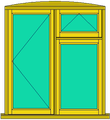
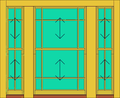
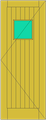
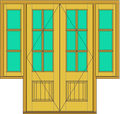
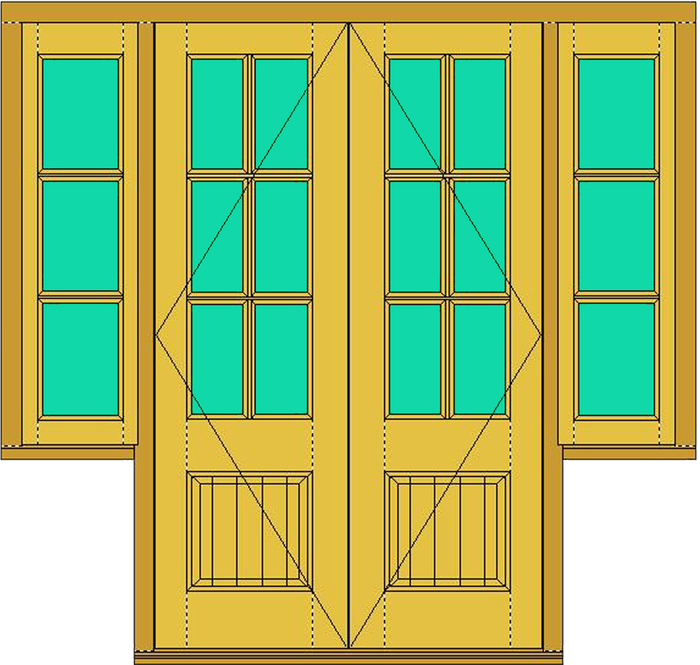
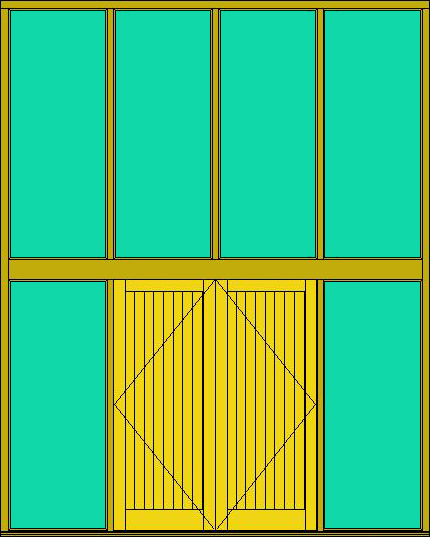
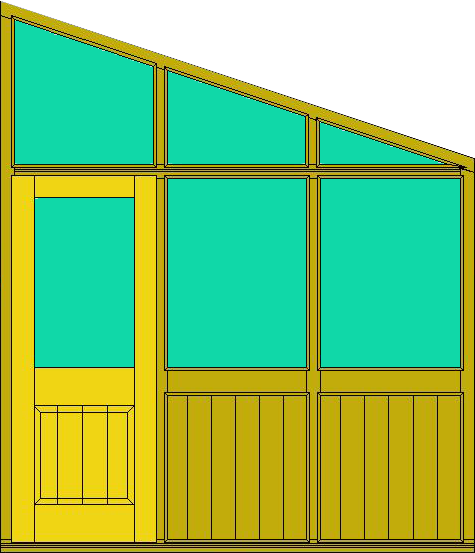
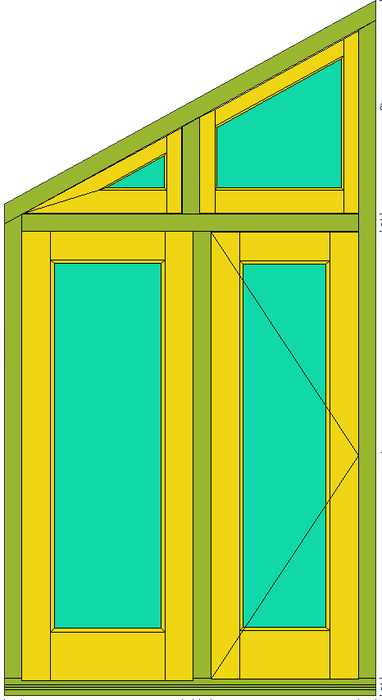
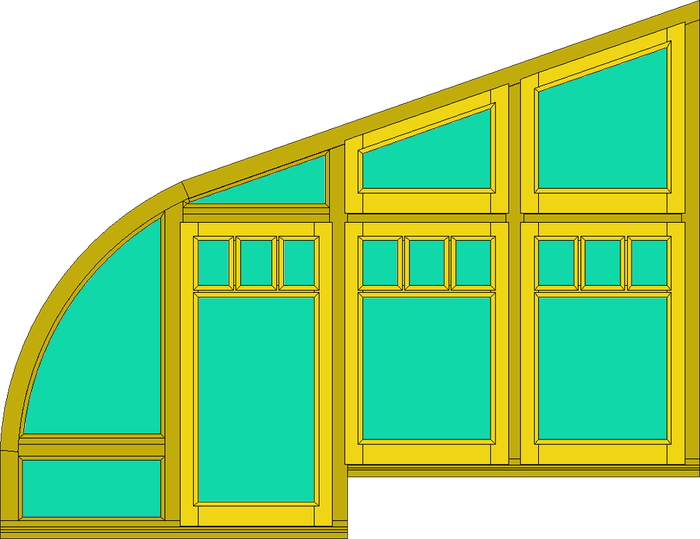
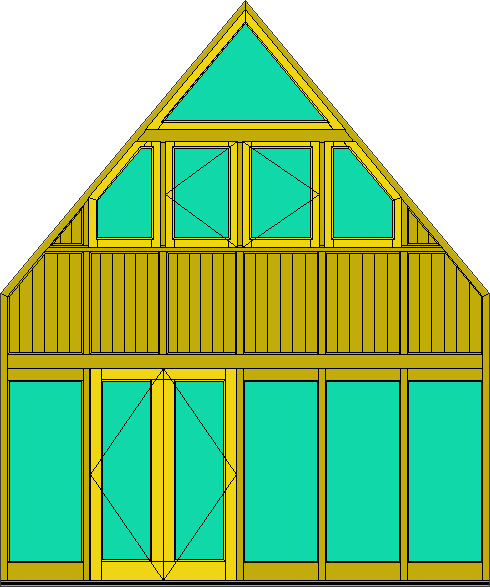
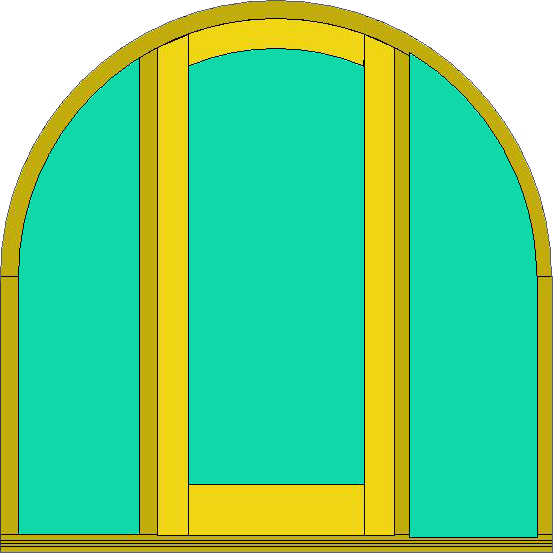
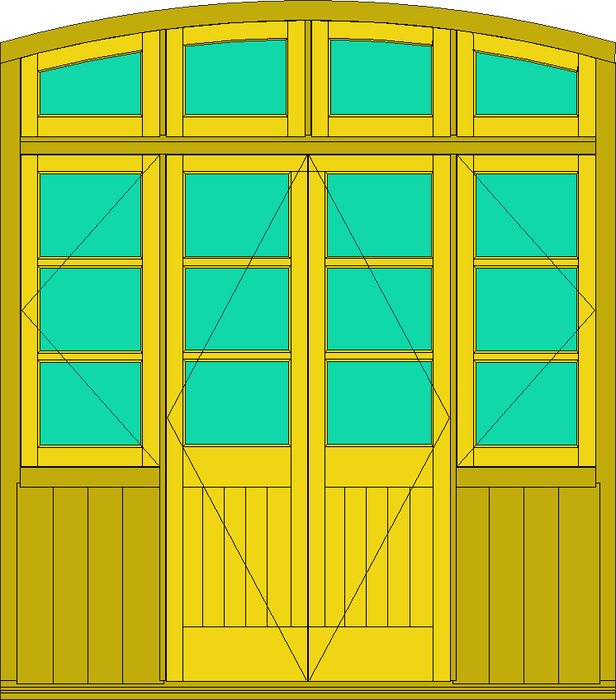
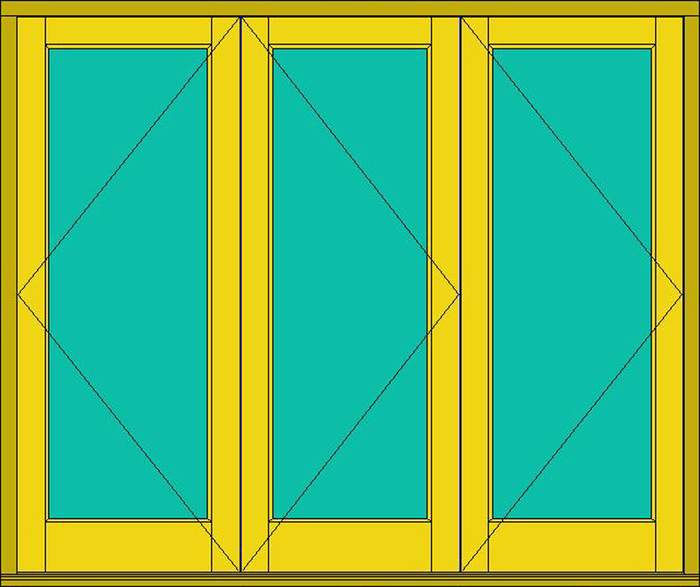
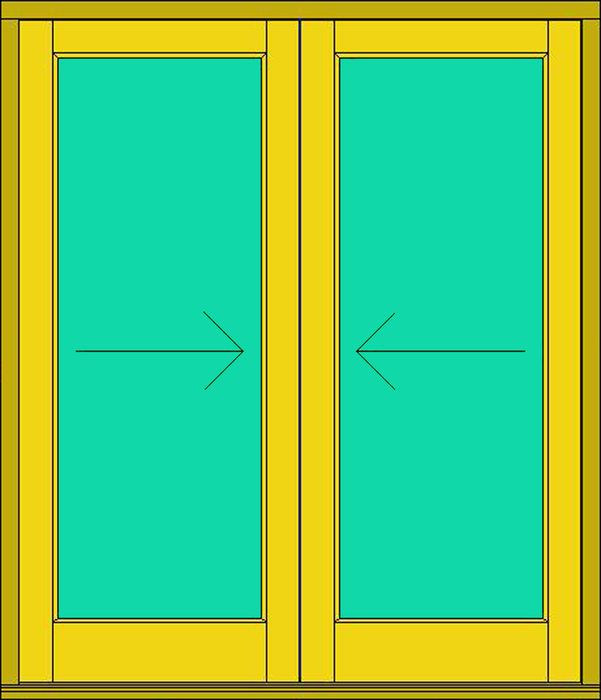
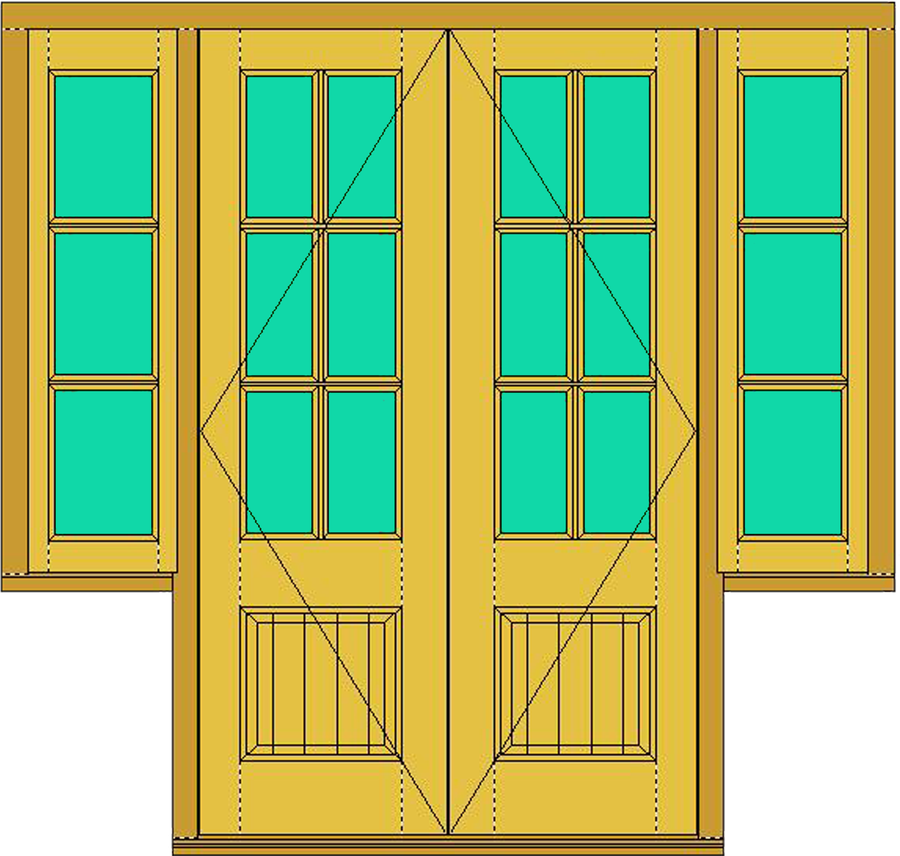
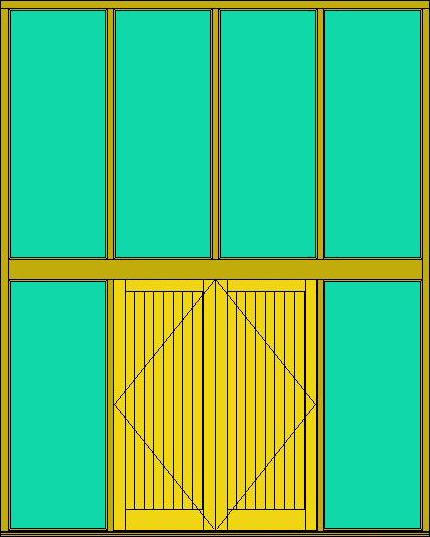
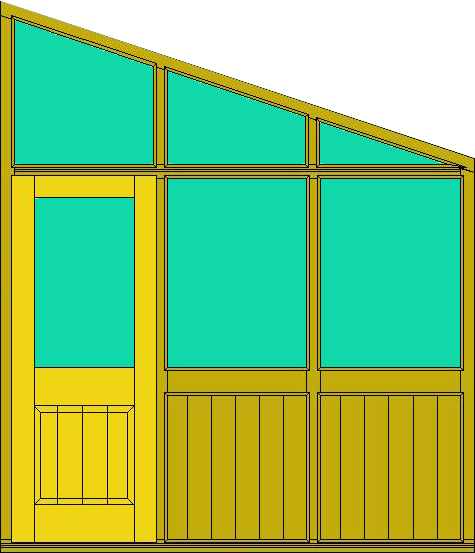
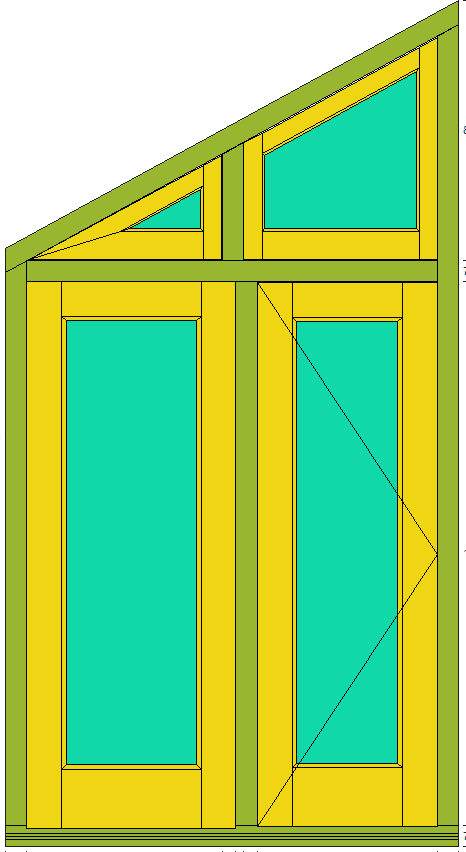
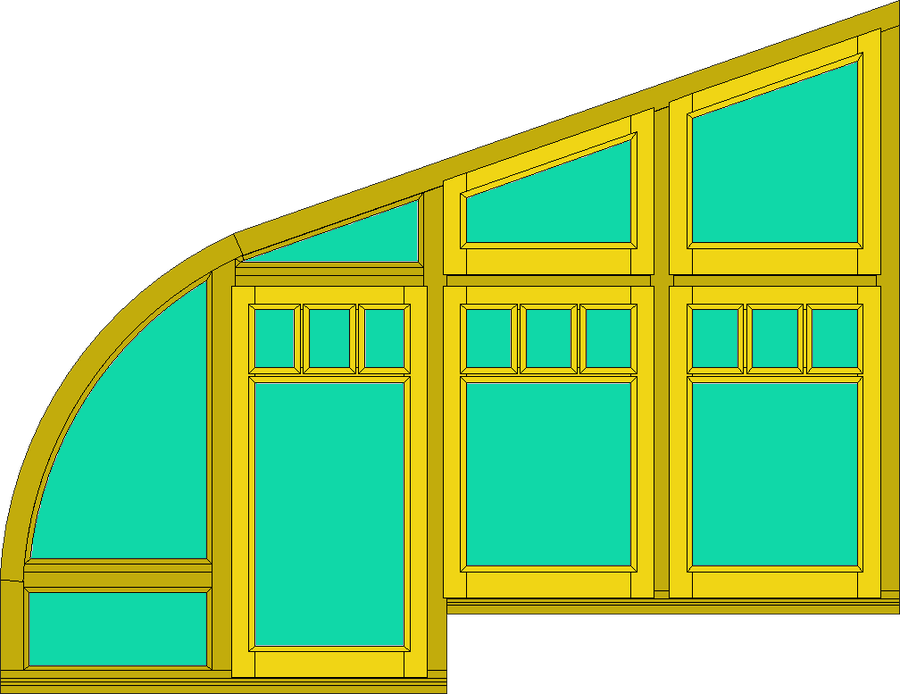
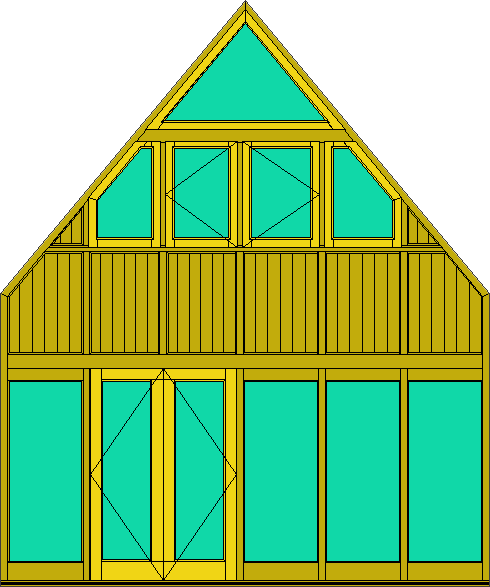
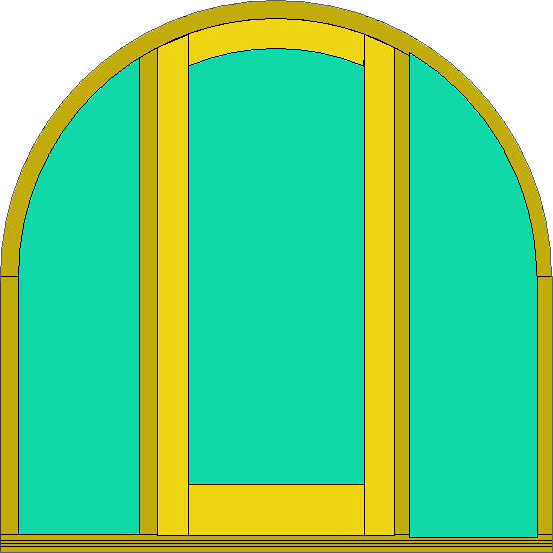
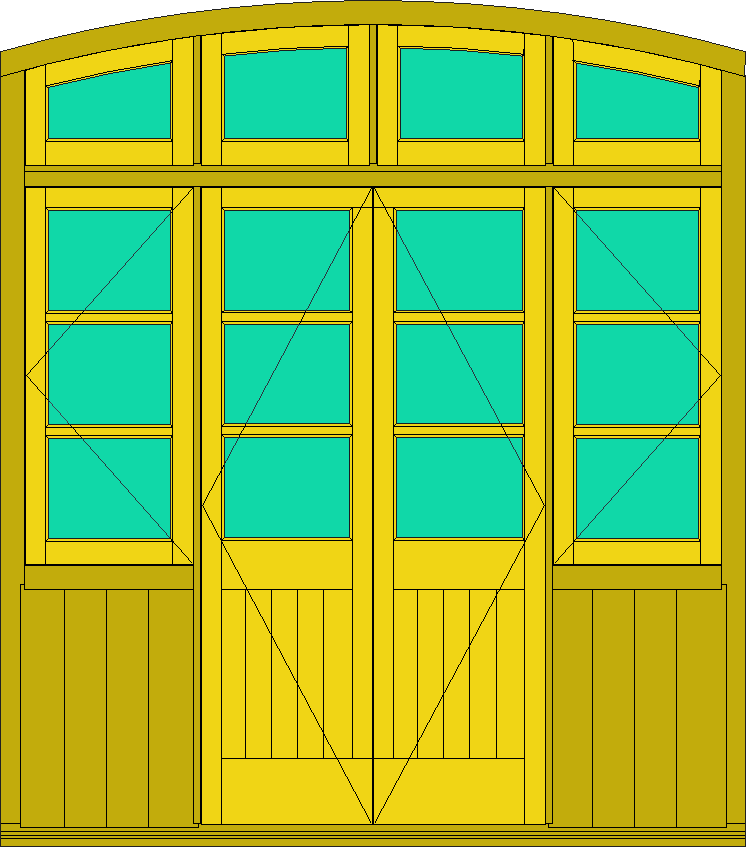
A few of the screens JMS 2D draws. Anything else is a matter of sizes and bars.
Screens
Screens
Screens
Screens
Screens
Screens
Screens
Screens
Screens
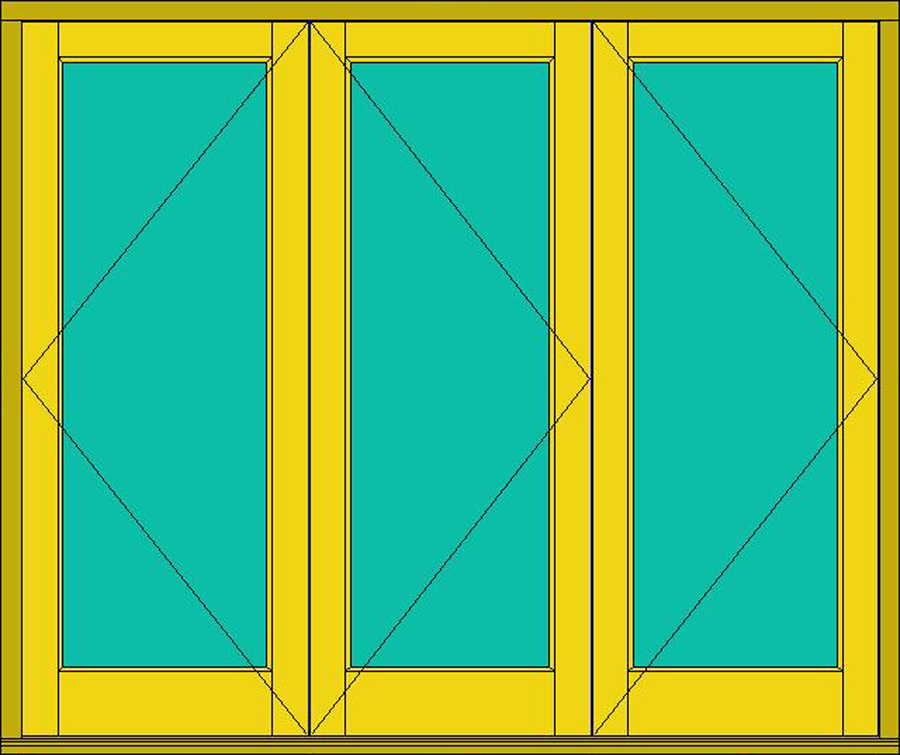
Screens
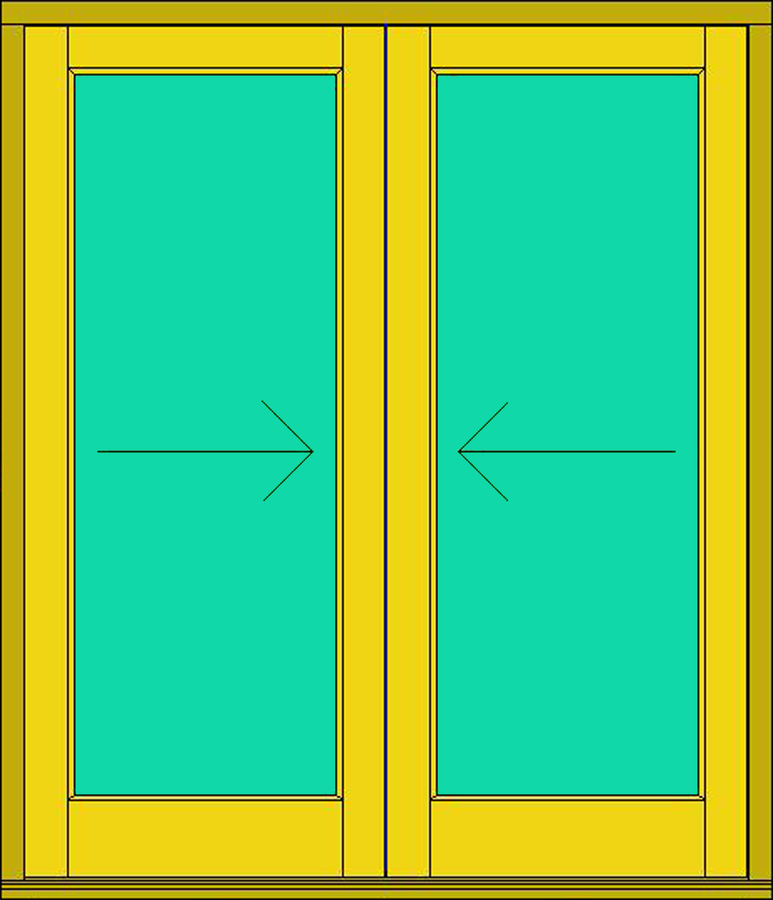
Fixed screens, barn frames, bi-folds, sliding, angled tops, curved heads, gable ends and fully bespoke.
See the full layout — fixed lights, openings, shaped heads and frame details — before work begins.
Curved heads, angled tops, gable ends and non-rectangular frames — all handled without the headache.
Calculated from your screen specification — stay compliant without manual lookups or guesswork.
Set up once and applied consistently — no pricing from memory or reworking figures job by job.
Auto-generated from the confirmed spec and ready to hand straight to the bench.
Polished quotes and specs directly from the module — the kind that win work and build trust.
Feeds into your whole JMS workflow — jobs, pricing and documents all connected from quote to bench.
It's a great fit if you:
It's available as an optional module within JMS 2D and JMS 3D Pro.
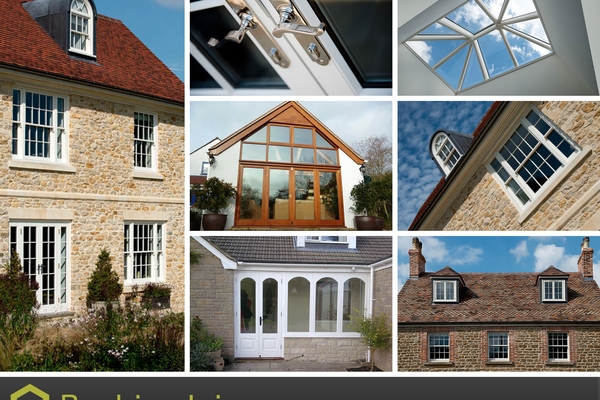
1 May 2016
Brothers Antony and Matthew Guppy, owners of Beehive Joinery, purchased Joinerysoft’s Joinery Management Software (JMS) in 2015 when they decided that software…
Read the articleBring a quote you did recently. We'll draw it in JMS while you watch.
Book a demoOr call 01608 643302 · sales@joinerysoft.com